
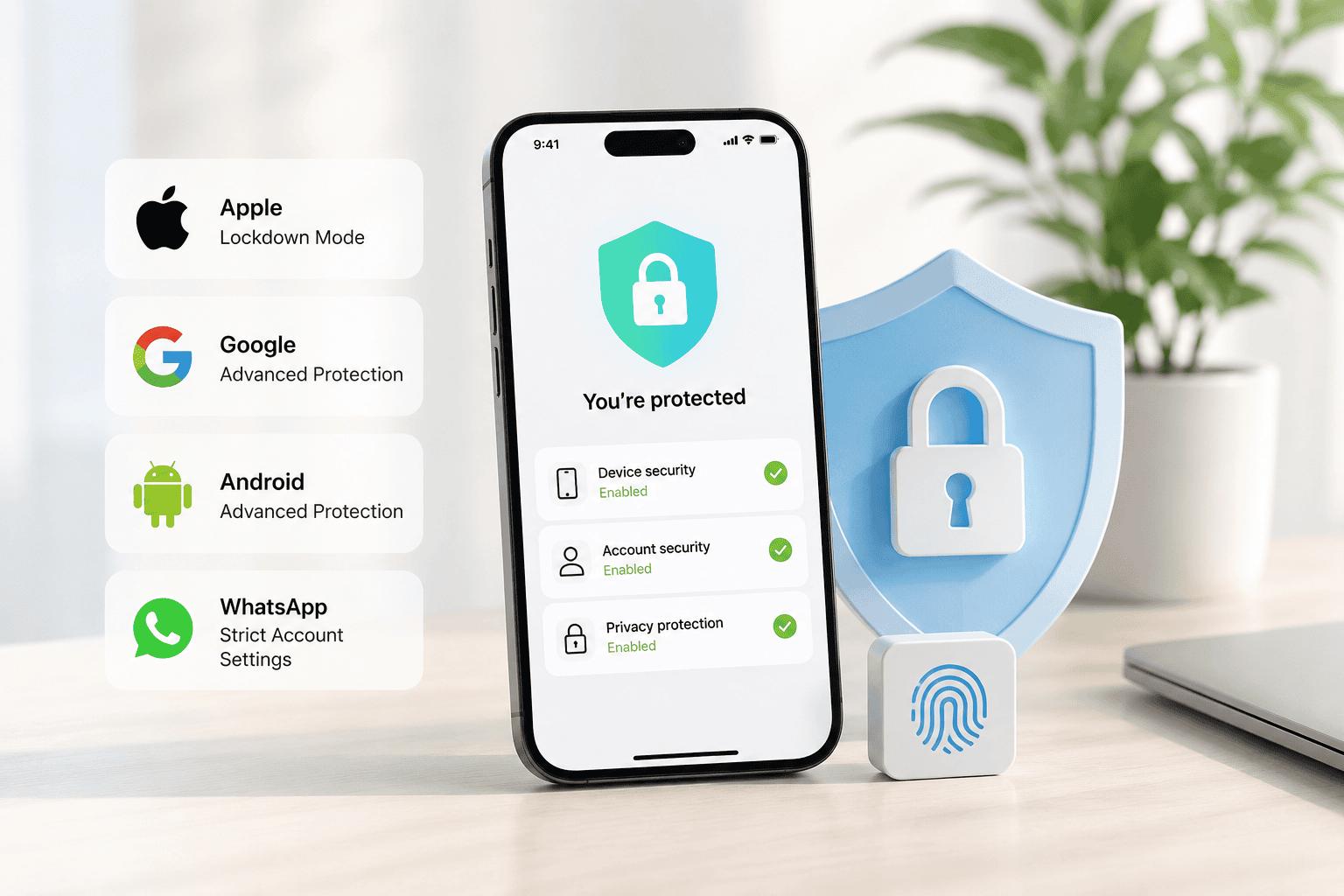
3 June 2026 / 5 minutes of reading
Security Features That Can Help Protect Against Spyware
Spyware attacks targeting journalists, activists, political figures, and other high-risk individuals have become increasingly common in recent years.
Modern spyware can secretly infiltrate smartphones and computers, giving attackers access to messages, phone calls, location data, photos, and even device cameras and microphones without the user's knowledge.
In response to these growing threats, major technology companies have introduced advanced security features designed to make targeted attacks significantly harder to carry out. Although no security measure can guarantee complete protection, these tools can greatly reduce the risk of a successful compromise.
One of the reasons spyware remains such a serious threat is the use of so-called zero-click attacks. In these cases, victims do not need to click a link, open an attachment, or take any action for their device to be compromised. The infection happens silently in the background. In early 2025, WhatsApp notified approximately 90 users across Europe, many of them journalists, that they had been targeted by commercial spyware operators.
Apple Lockdown Mode
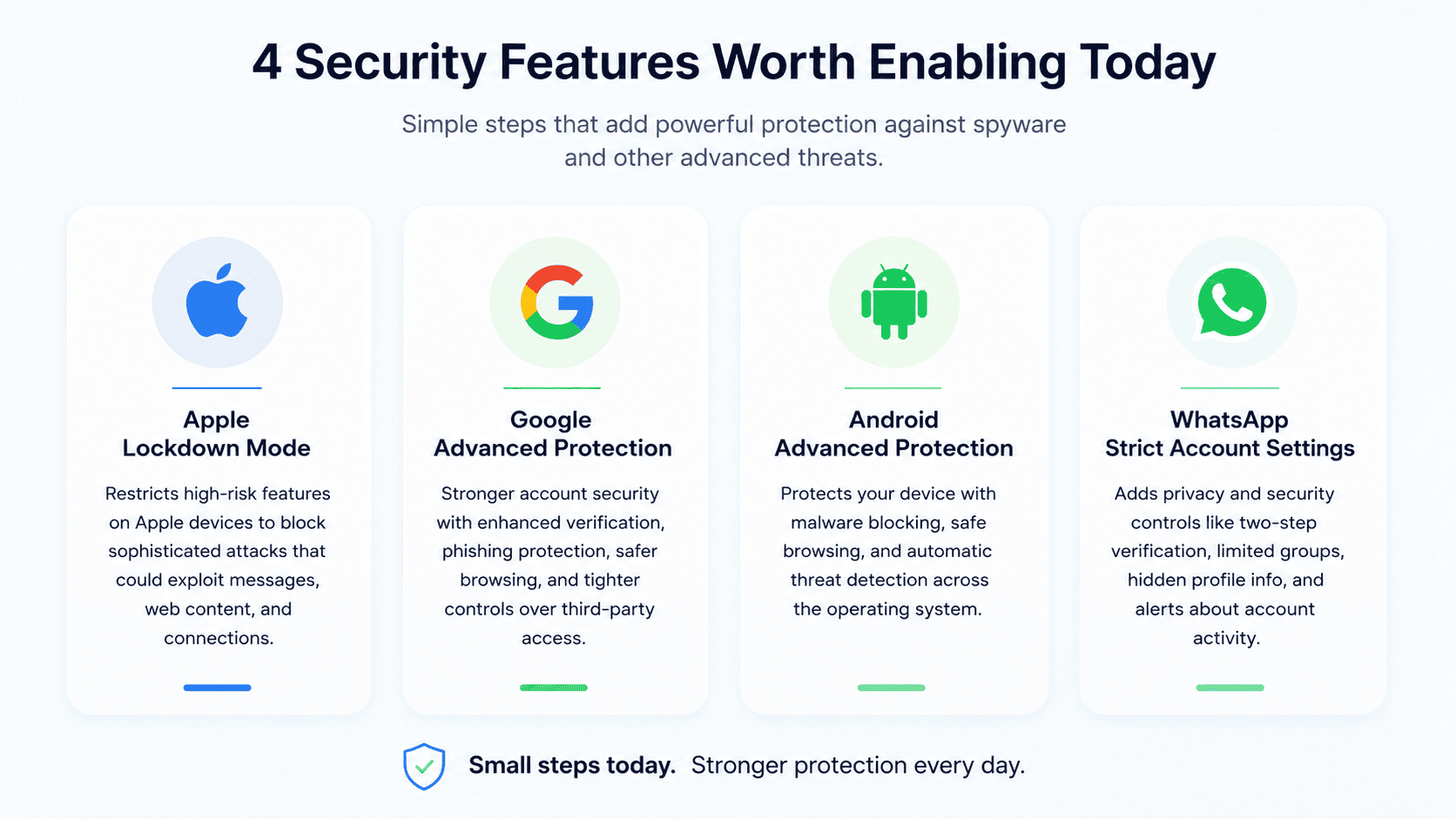
Apple's Lockdown Mode is an optional security feature available on iPhones, iPads, and Macs. It enhances device security by restricting certain functions that could potentially be exploited by sophisticated attackers.
The effectiveness of Lockdown Mode is supported by real-world research. Security researchers at Citizen Lab documented a case in which the feature successfully blocked an attack involving Pegasus spyware. Apple has also stated that it has not observed a successful compromise of a device while Lockdown Mode was enabled.
When enabled, Lockdown Mode limits message attachments, blocks link previews in iMessage, restricts FaceTime calls from unknown contacts, and disables selected web technologies that could be abused by attackers. It also removes shared photo albums, prevents the installation of configuration profiles, requires devices to be unlocked before connecting accessories via USB, and blocks connections to older mobile networks such as 2G and 3G.
To enable Lockdown Mode, go to Settings → Privacy & Security → Lockdown Mode and follow the on-screen instructions.
Google Advanced Protection Program
Google's Advanced Protection Program is designed to provide stronger security for Google accounts, particularly for users who may be at increased risk of targeted attacks.
The program introduces enhanced account verification, advanced Gmail scanning for phishing attempts, safer browsing protections, and stricter controls over third-party app access. Users are also required to use additional authentication methods, such as passkeys or security keys, while Google performs extra identity checks whenever suspicious login activity is detected.
To activate Advanced Protection, visit Google's Advanced Protection Program page, sign in to your Google account, and follow the setup process. You will need to configure a passkey or security key and recovery options for your account.
Android Advanced Protection Mode
Android's Advanced Protection Mode strengthens security across the operating system and helps defend against a range of sophisticated threats.
The feature enables Google Play Protect, blocks app installations from unknown sources, increases malware detection capabilities, and restricts USB access while the device is locked. It can automatically lock the device if suspicious activity is detected, block connections to older 2G networks, and restart the phone after an extended period of inactivity to better protect stored data.
Additional protections include enhanced Safe Browsing features, warnings about potentially dangerous messages and links, and optional intrusion logging tools that can assist security researchers in investigating advanced attacks.
To enable Advanced Protection Mode, navigate to Settings → Security & Privacy → Advanced Protection and turn on Device Protection.
WhatsApp Strict Account Settings
WhatsApp has introduced Strict Account Settings to help users improve both privacy and account security.
Once activated, the feature enables two-step verification, silences calls from unknown numbers, limits who can add users to group chats, disables link previews, and hides profile information from people outside a user's contacts. It can also block media received from unknown senders, hide a user's IP address during calls, and provide additional security alerts related to account activity.
The feature can be enabled in WhatsApp by navigating to Settings → Privacy → Advanced.
An Extra Layer of Security
Spyware developers continually look for new ways to bypass security protections, making this an ongoing challenge for technology companies. While no security feature can completely eliminate the risk of a targeted attack, experts widely recommend enabling these advanced protections whenever possible.
Most of these features can be activated in just a few minutes and provide an additional layer of defense against some of today's most sophisticated cyber threats. For journalists, activists, business leaders, and anyone handling sensitive information, they can play an important role in protecting both personal data and digital privacy.
While these features help protect individual users, organizations need to assess the resilience of their entire environment. Security assessments, penetration testing, social engineering exercises, and mobile application testing can help identify weaknesses before attackers do and should form part of every modern cybersecurity strategy. Based on Citadelo's experience, successful attacks often exploit a combination of technical vulnerabilities and human factors, highlighting the importance of testing not only systems, but also processes and user awareness.

Editorial note: The inspiration for this article was drawn from reporting published by TechCrunch. The content has been independently adapted, condensed, and rewritten for our audience.
Other interesting articles
All news




Sign up for our newsletter for all the important cybersecurity and ethical hacking news.
© 2024 citadelo AG. All rights reserved.


